kaskade admin
Manage topics
- Topics, partitions, consumer groups, lag, replicas, and record counts
- Create, edit, delete, and filter topics, and check their configuration
- Refresh every 30 seconds by default, or whenever you ask
Browse and manage topics and consumer groups, and read and produce records as JSON, Avro, or Protobuf, with or without Schema Registry. All from the keyboard.
brew install kaskade

Latest release View releases ↗
Open source · Python 3.10+ · macOS & Linux
Features
Three commands: kaskade admin for topics and consumer groups, kaskade consumer to read records, and kaskade producer to write them.
kaskade admin
kaskade consumer
kaskade producer
Every mode client.ini · TLS · SASL · Confluent Cloud · Amazon MSK IAM · themes · keybindings · copy and export
Screenshots
All three work entirely from the keyboard, with arrow keys or Vim-style shortcuts.

Admin Browse and manage topics.
topics · partitions · groups · lag

Consumer Read and filter records.
filter · deserialize · copy · export
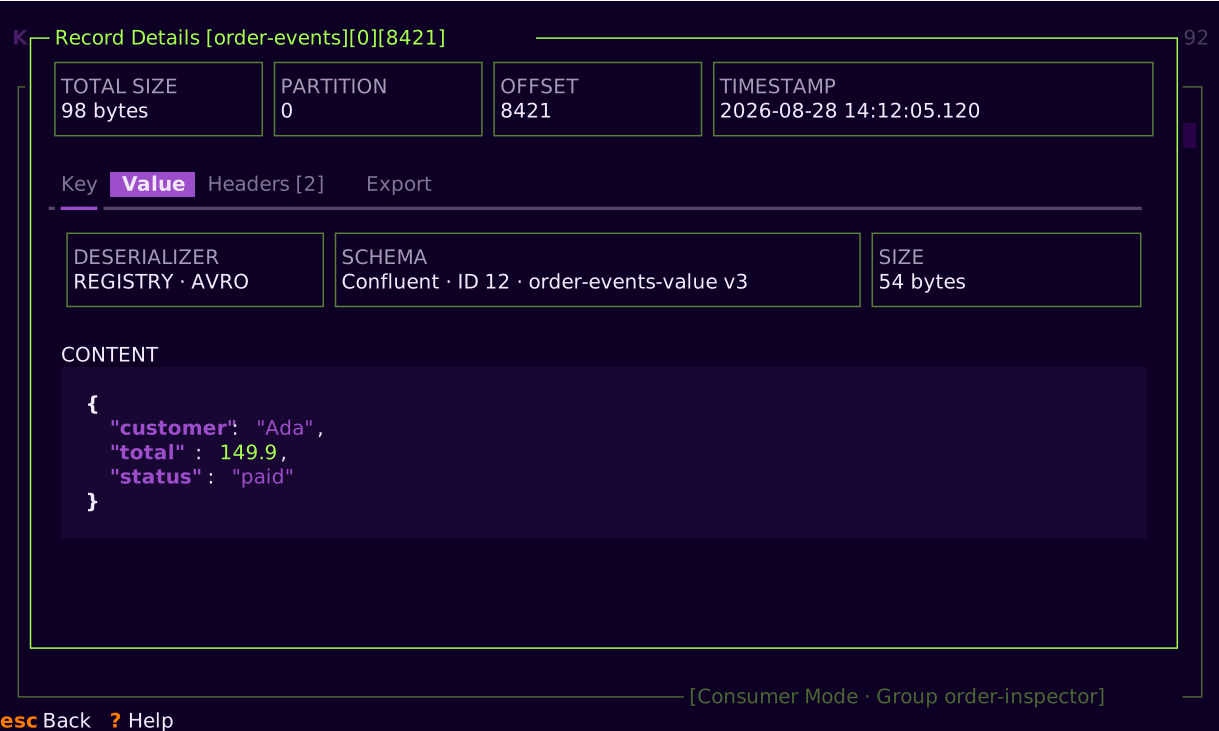
Record Details Inspect one record.
key · value · headers · schema
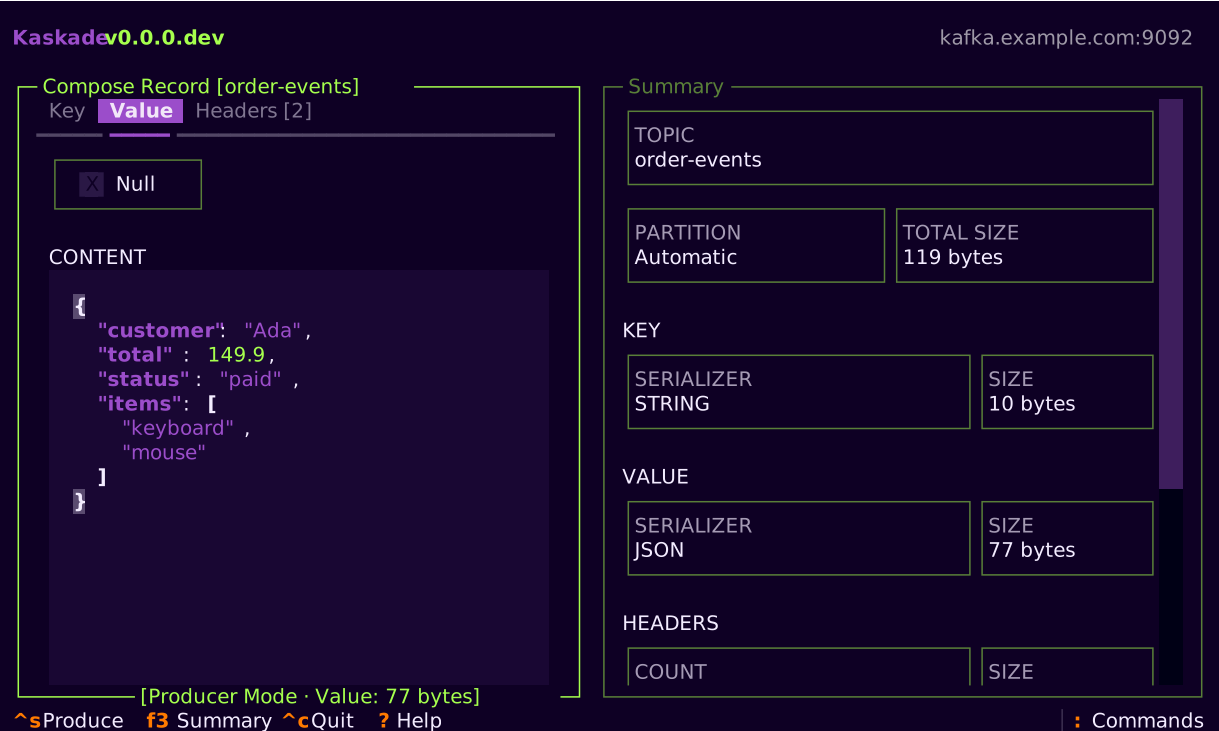
Producer Compose and produce records.
compose · serialize · register · deliver
Install
Install with Homebrew or pipx, then point Kaskade at a broker or a client.ini file.
Option A
brew install kaskade
Option B
pipx install kaskade
Replace the example broker, topic, and options with your own.
kaskade admin -b my-kafka:9092
kaskade consumer -b my-kafka:9092 -t my-topic
kaskade producer -b my-kafka:9092 -t my-topic
kaskade admin --config-file client.ini
Links
Thanks

